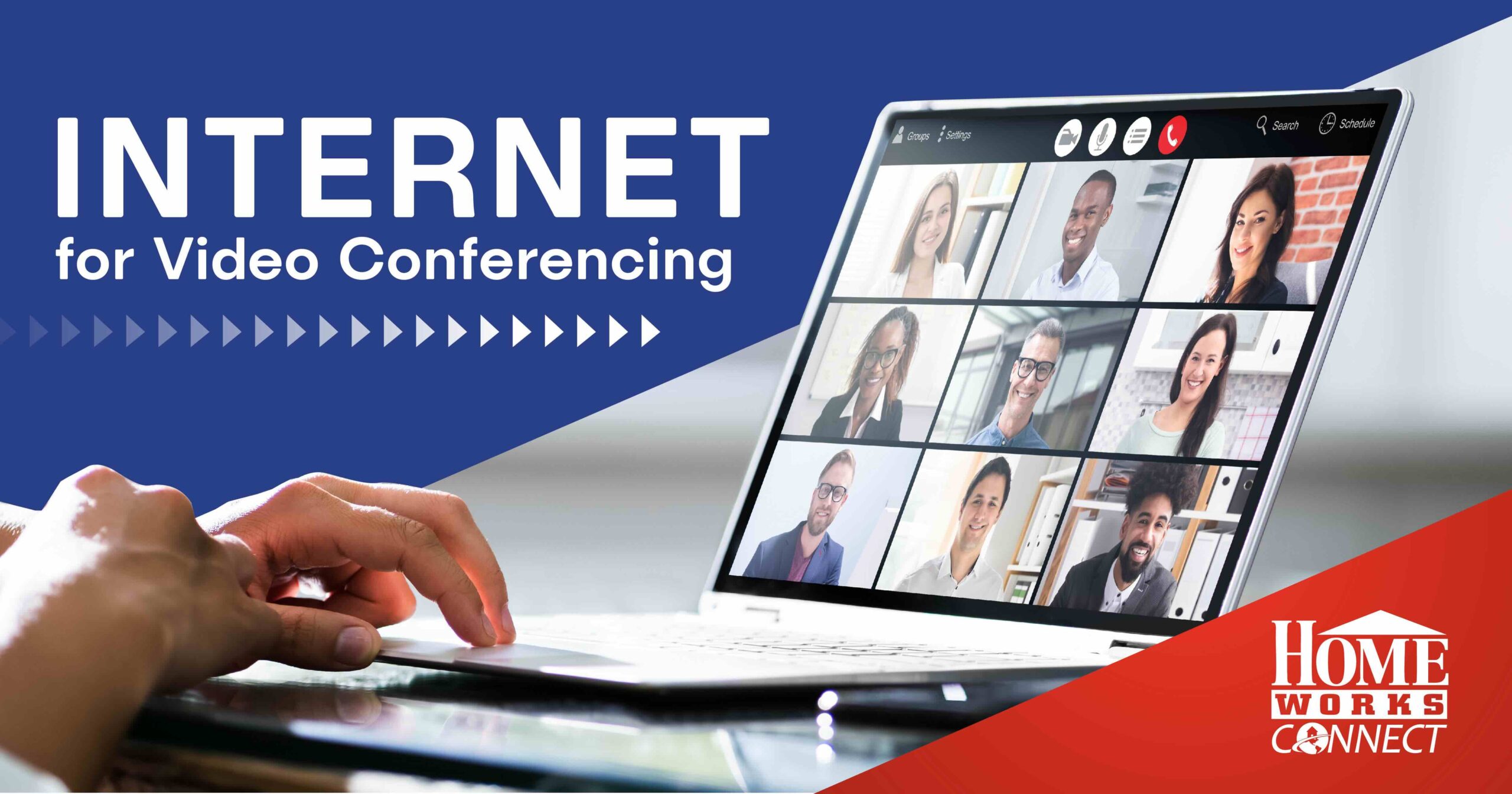
Video conferencing enables people in rural areas to access opportunities like never before. However, accessing these services can be difficult without a reliable internet connection. The high-speeds, low latency, and symmetrical uploads and downloads provided by fiber broadband internet providers, like HomeWorks Connect, make seamless video conferencing easy for communities throughout the country.
Key Takeaways
Video conferencing creates opportunities in rural areas by increasing access to education, healthcare, and jobs. Smooth video conferencing is made possible by high-speed internet, like the fiber broadband provided by HomeWorks Connect. In order to video conference, you need a device like a smartphone, laptop or tablet, video conferencing software and a strong internet connection. When video conferencing for the first time, you will need to choose your video chat platform, set up your account and log in, test audio and video quality, and join your video call. It is possible to troubleshoot many common issues on your own.
Table of Contents
- Why video chatting matters in 2025
- Why fiber is the best internet for video conferencing
- What you need to video chat
- How to video chat
- Common troubleshooting for video chats
- How to optimize video chatting
Why video chatting matters in 2025
Video Chat for Remote Classes
Since the pandemic, video conferencing has assumed a more central role in education. From online classes to learning from home during snow days to collaborating with peers on group projects, video conferencing opens the door to a range of academic opportunities.
Video Meetings for Teams
If you’ve ever dropped a connection during a video call, you know how important a reliable internet connection is for remote work. In 2025, approximately 24% of Michigan residents work from home. The symmetrical upload and download speeds provided by HomeWorks Connect’s fiber internet allow reduced lag, fewer dropped connections and instant screen sharing, all features that enable seamless online work.
Better Access to Healthcare with Telehealth
Visiting a doctor through video opens up healthcare options for rural residents who often have to drive long distances to access healthcare. Research shows that rural telehealthcare visits increase when residents have access to reliable broadband. With a fiber connection, you can make sure that your call won’t drop once you make it out of the waiting room and that your wearable medical devices are sending real-time data to your providers.
Why fiber is the best internet for video conferencing
DSL, cable, and wireless internet are less reliable for video conferencing than fiber. These connections often deliver inconsistent internet speeds, asymmetrical upload speeds, and can be more prone to interference.
HomeWorks Connect’s fiber broadband provides symmetrical upload and download speeds, lower latency, and fewer chances for interference than with other types of internet.
What you need to video chat
- A Device: a smartphone, laptop, tablet, or desktop computer with a camera and internet connection.
- Software: A number of services facilitate video conferencing, including Zoom, Teams, Google Meet, FaceTime, WhatsApp, and more.
- Internet Connection: A strong internet connection, especially a fiber internet connection like the one provided by HomeWorks Connect, is essential for having a smooth video chat.
How to video chat
Choose Your Video Chat Platform
Zoom, Google Meet, FaceTime, WhatsApp, Teams, and more are all video conferencing platforms. The choice you make often depends on what other people or businesses in your network are already using. If you’re unsure, ask around to see which is most popular in your community.
Set Up Your Account and Log In
Most video conferencing apps make it easy to create an account. Sometimes it’s possible to join a call without an account if the facilitator sends a link. Make sure you figure out account access before trying to log in to an important call or meeting.
Test Audio and Video Quality
Before you log in to a video conference, it’s a good idea to test your setup. Is your camera working? What about your microphone? If not, you may need to adjust your settings or update the software.
Join Your Video Call
You can join most video conferences simply by clicking a link. If you are the facilitator, you will be provided a link when you set up the conference. If someone else is scheduling, they should send you a link and sometimes a password for access to the video conference.
Common troubleshooting for video chats
Here’s how to address a few common problems while video conferencing:
Poor video quality, lag, or dropped calls
These issues are typically caused by a weak or unstable internet connection. Signing up for HomeWorks Connect’s fiber internet will give you the fast, reliable internet you need to video conference with ease.
Audio Problems
If you’re having problems hearing or allowing others to hear you, try unmuting your mic and checking your audio settings to make sure the volume is turned up. Make sure to take your call in a quiet place with little background noise.
Login and Access Problems
If you’re having problems logging in to the video conferencing platform, you can try verifying your username and password, checking platform status, clearing your browser cache, restarting the application, or resetting your password.
Software Compatibility
Sometimes you’ll try to log on to a video conferencing service and need to update the program to be able to use it. It’s always best to login early to avoid any delays caused by these updates.
Hardware and Device Issues
Outdated computers are sometimes incompatible with newer software. In this case it may be possible to update your hardware (computer), or you may need to get an updated device that’s compatible.
How to optimize video chatting
Strong, reliable internet is the number one way to optimize your video conferences. Other tips include creating a well-lit, clean, professional background, keeping your device fully charged and/or near an outlet, and learning how to use the features of the video conferencing platform. It’s always a good idea to arrive at video calls at least a few minutes early to make sure everything is working properly.
Are you ready to access high-quality education, work opportunities, and healthcare from home? Visit Join.HomeWorksConnect.org to find out if HomeWorks Connect’s high-speed fiber internet is available in your area.